Designing a new website usually starts the same way: style tiles, digital branding exploration, a few early concepts, a messy Figma file full of layout ideas, and a lot of conversations about how those ideas will eventually become a real website.
At Unrelated, we’ve built a lot of WordPress sites over the years. And while design tools such as Figma are fantastic for exploration, there’s traditionally a gap between designing a layout and building it in WordPress.
To solve that gap, we built a small tool.
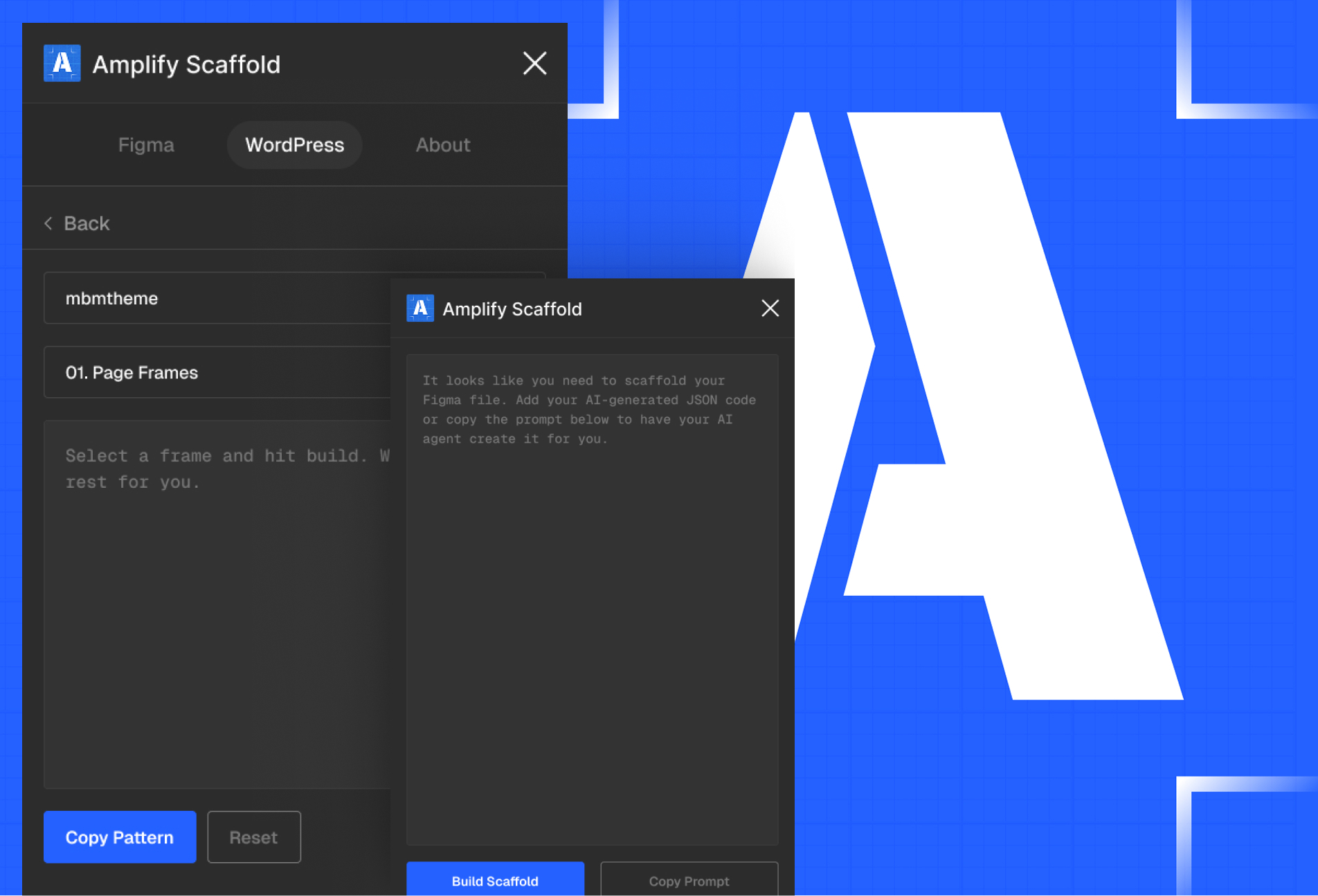
Our new Figma plugin helps us translate design layouts directly into WordPress-ready patterns and parts—dramatically speeding up the early phases of a project while keeping design and development aligned from the start.
Instead of recreating layouts by hand, we can generate structured WordPress layouts directly from our design file that leverage our suite of tools.
Let’s walk through how it works.
Turning Brand Guidelines Into Usable Context
Every project starts with a brand.
Most organizations we work with have some form of brand documentation—things like typography rules, color palettes, spacing systems, or layout principles. These guides are essential, but they’re often written for humans, not software.
To bridge that gap, we built an ingestion step powered by AI.
We upload a brand guideline document and use an AI tool to analyze it and extract structured information like:
- Brand colors
- Typography scales
- Spacing systems
- Grid structure
- Component patterns
The result is a simple JSON file that our plugin can understand.
Think of it like turning a PDF brand guide into a design assistant that helps enforce consistency automatically inside Figma.
Once loaded into the plugin, that structured data becomes the context our layouts are built from.
Designing With WordPress Blocks in Mind
With brand context loaded, the next step happens directly inside Figma.
When creating layouts, we name layers based on WordPress block types and attributes in formed directly from Amplify-exclusive blocks. For example:
- A hero section might map to a Group block
- A call-to-action might become a Buttons block
- Content areas map to Paragraph or Heading blocks
This might sound technical, but in practice it’s very simple.
Designers are essentially labeling parts of a layout so the plugin knows how each piece should behave once it’s ready to export to WordPress.
Instead of thinking purely in visual layers, the design file becomes a structured representation of the website’s building blocks.
This small shift unlocks a huge amount of efficiency later.
Exporting Layouts as WordPress Patterns
Once a layout is ready, the plugin does the heavy lifting.
It reads the layer names and the brand context JSON, then generates a block-based layout that matches the design.
The output is a clean block pattern that can be dropped directly into the WordPress code editor.
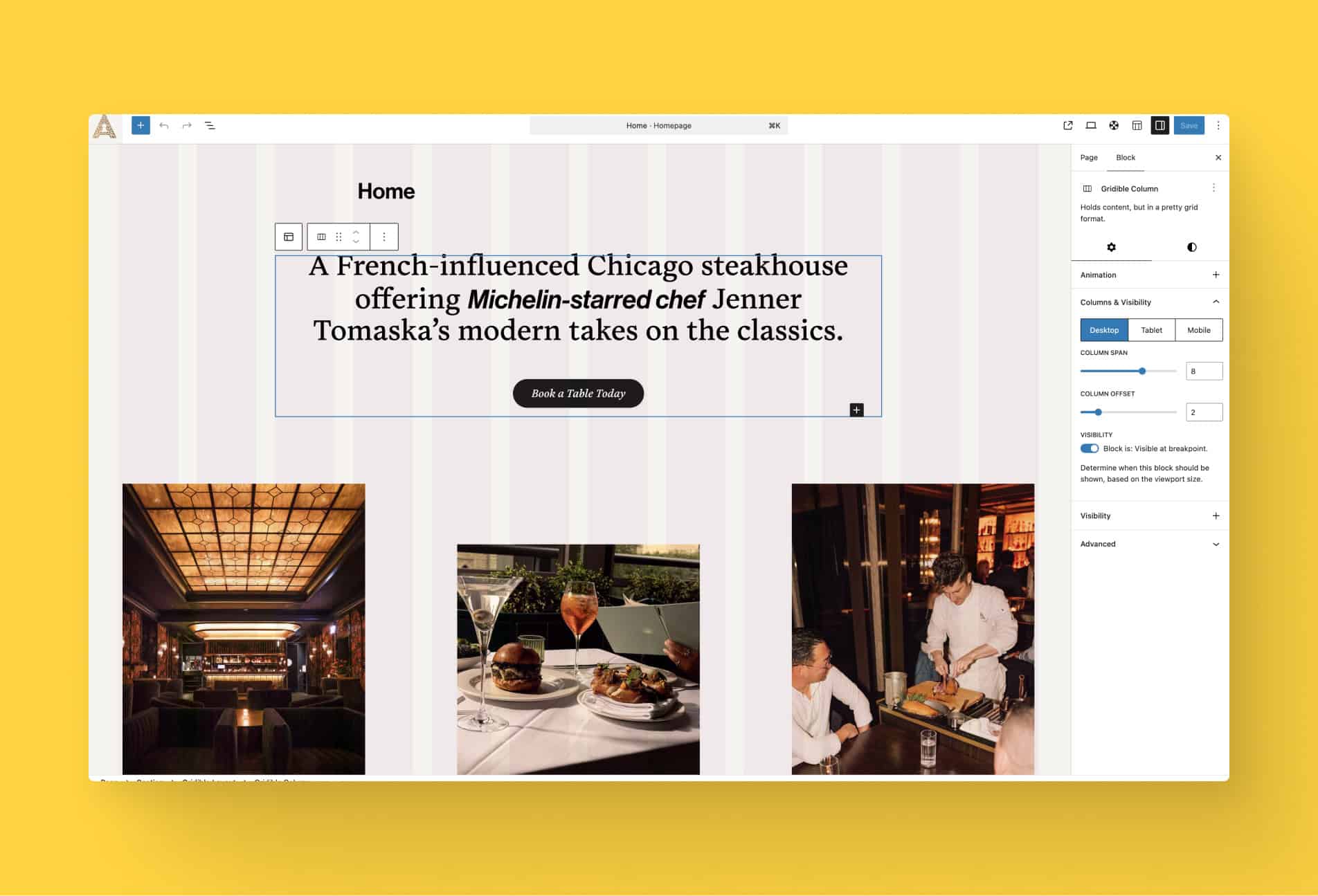
When pasted into WordPress, the layout appears as a fully structured block composition that editors can modify just like any other WordPress content.
What makes this powerful is that the visual structure and intended behavior are preserved:
- Headings remain editable headings
- Images remain image blocks
- Buttons remain functional buttons
- Layout containers keep their spacing and hierarchy
Instead of rebuilding a design from scratch, we’re starting from something that already understands how WordPress works.
Faster From Idea to Implementation
Individually, each part of this process is small.
But together, they create a much faster path from design to implementation.
What used to take multiple steps can now happen almost instantly.
Ultimately, it means we can move more quickly from concept to working website while maintaining the flexibility that WordPress is known for.