
Control What Prints: Hide Any WordPress Block from Print Layouts

A new print visibility control in the Advanced panel lets editors hide full blocks or patterns from print designs, giving teams precise control over what appears on paper—without changing the digital layout.

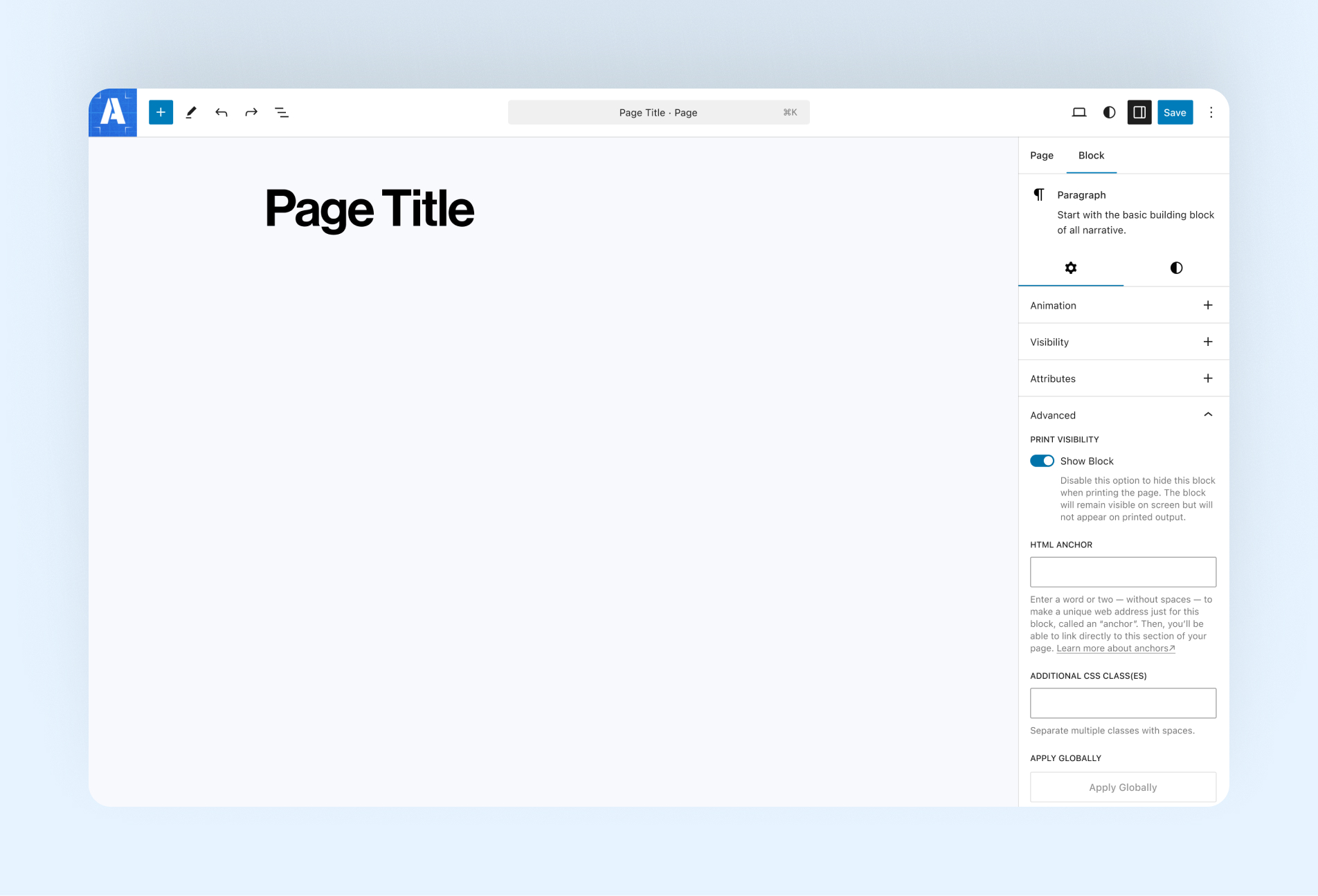
WordPress Gutenberg Editor interface showing the open advanced tab and Amplify added print visibility toggle.

Designing for the screen doesn’t always translate cleanly to paper. Navigation, interactive elements, and decorative content can clutter printed pages or distract from the core story.

This feature adds block-level print visibility controls directly to the Advanced settings of any WordPress block, allowing editors to hide entire blocks or patterns from print layouts without affecting the on-screen experience. There’s no need for duplicate templates or custom print stylesheets. Just a simple toggle where editors already work.

By giving teams precise control over what appears in print, this feature makes it easier to create clear, intentional print-friendly versions of articles, reports, and long-form stories while maintaining a single, unified design system.
Continue Reading

  • Interface screen showing Unrelated chat search tool

    What Makes AI Search Different from Keyword Search?

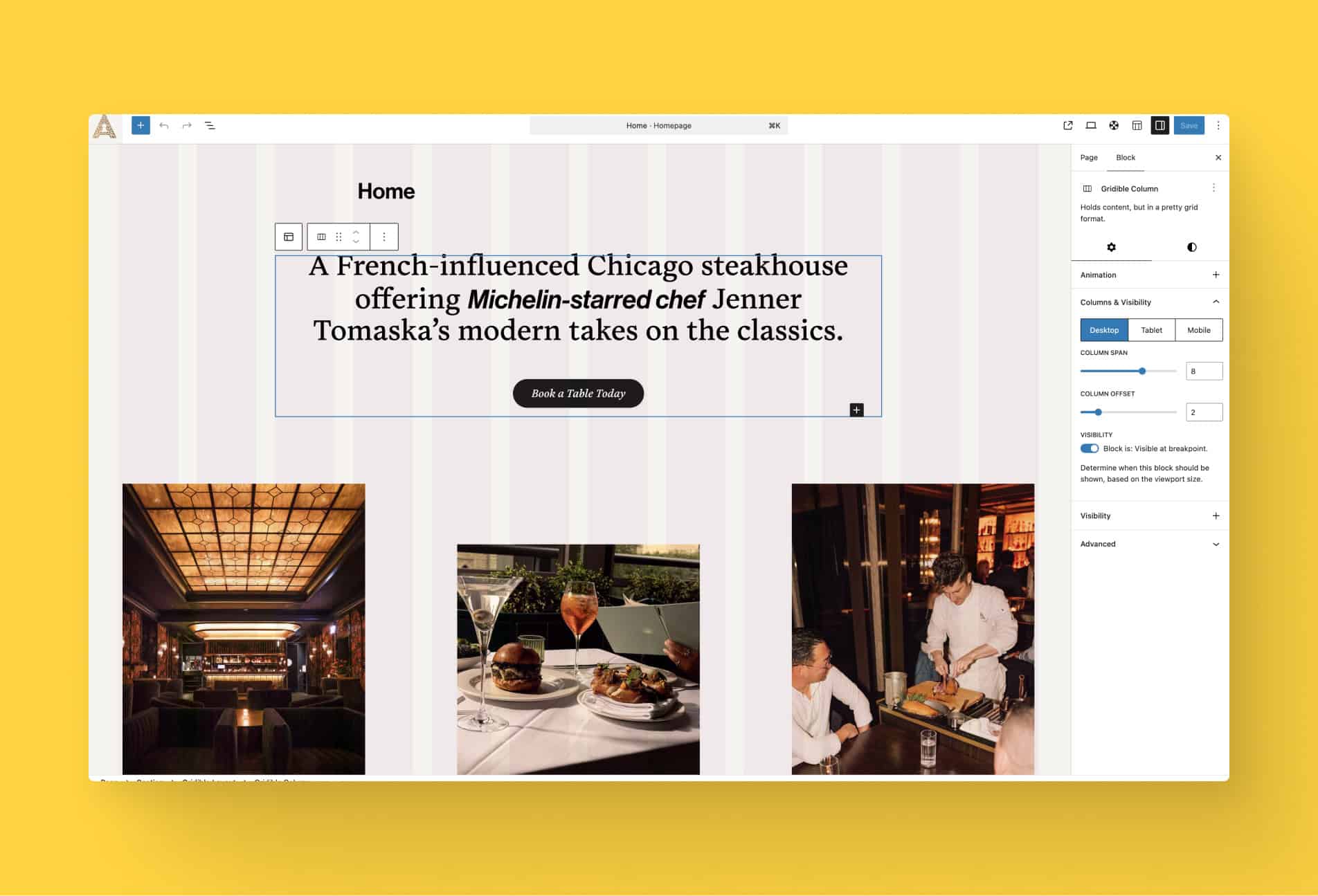
  • Interface of WordPress Gutenberg editor demoing the new Gridible grid overlay feature.

    Introducing Grid Overlay: Visual Layout Guidance Inside the Gutenberg Editor

  • user interface image of the chat bot for CNTI's website

    Introducing Amplify AI Chat (Beta) on the CNTI Website

Start a conversation in our Knowledge Hub. Let’s see how your next project could shape what we build—and what our shared tools can do for you.